Role management
Roles in the application are designed to define specific permissions and access levels for users and External clients. The Roles view, accessible from the admin panel, serves as the central hub for managing roles in the application.
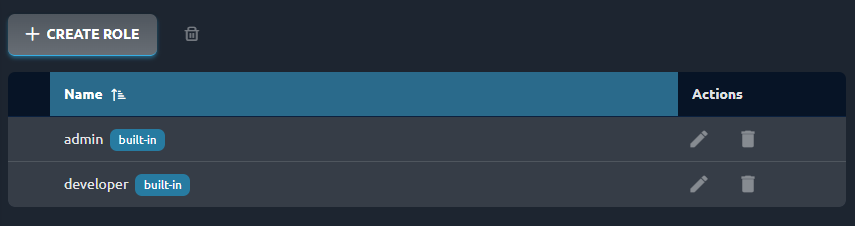
Built-in roles
Two roles are shipped with ArconQ installation and cannot be deleted or modified: admin and developer.
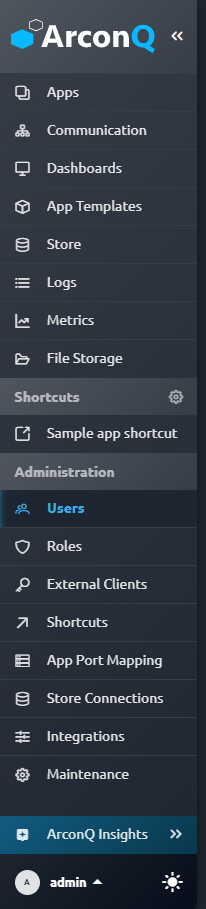
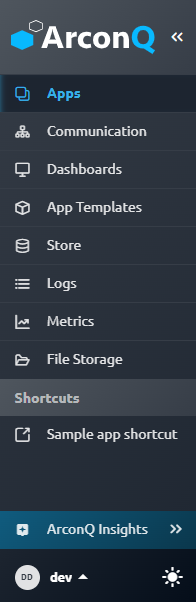
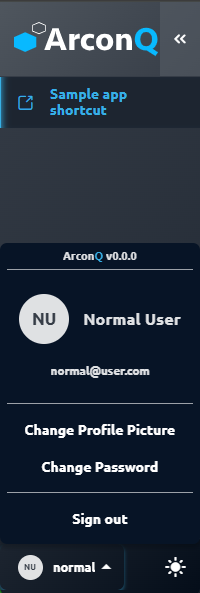
A user with the admin role has full authorization to perform every operation in ArconQ, including managing other roles. In contrast, a user with only the developer role cannot access functionalities under the "Administration" tab in the ArconQ UI. Additionally, a user with none of the built-in roles assigned is limited to managing their own profile and accessing Shortcuts created by an admin.:
Role creation
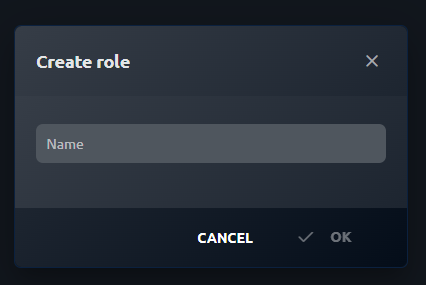
As an administrator, you can create new roles within the ArconQ application. To do this, navigate to the Roles view in the admin panel. Here, you will find options to create a new role. Provide a unique name and save the changes to create the role successfully.
Role editing
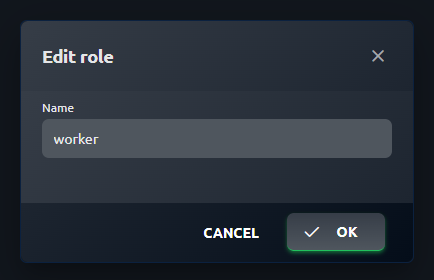
In the Roles view, you can also edit existing roles. Locate the role you wish to modify and select the edit option. This will allow you to update the name, once you have made the necessary changes, and save the modifications to update the role.
Role deletion
If a role is no longer required, the administrator has the authority to delete it from the system. In the Roles view, find the role you want to remove and choose the delete option. Confirm the deletion and the role will be permanently removed from the system.

Viewing assigned roles
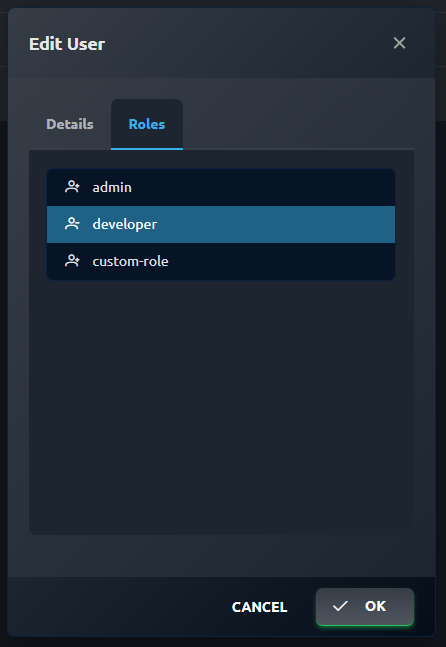
To determine which roles are assigned to a specific user, navigate to the Users list in the application. Clicking on the edit button for a particular user will display the roles assigned to that user.
Impact of role deletion
Deleting a role from the system by an administrator has consequences for all users and External Clients assigned to that role. The deletion of the role removes its assignment from all affected entities (users and External clients no longer have it assigned).