Advanced logs match
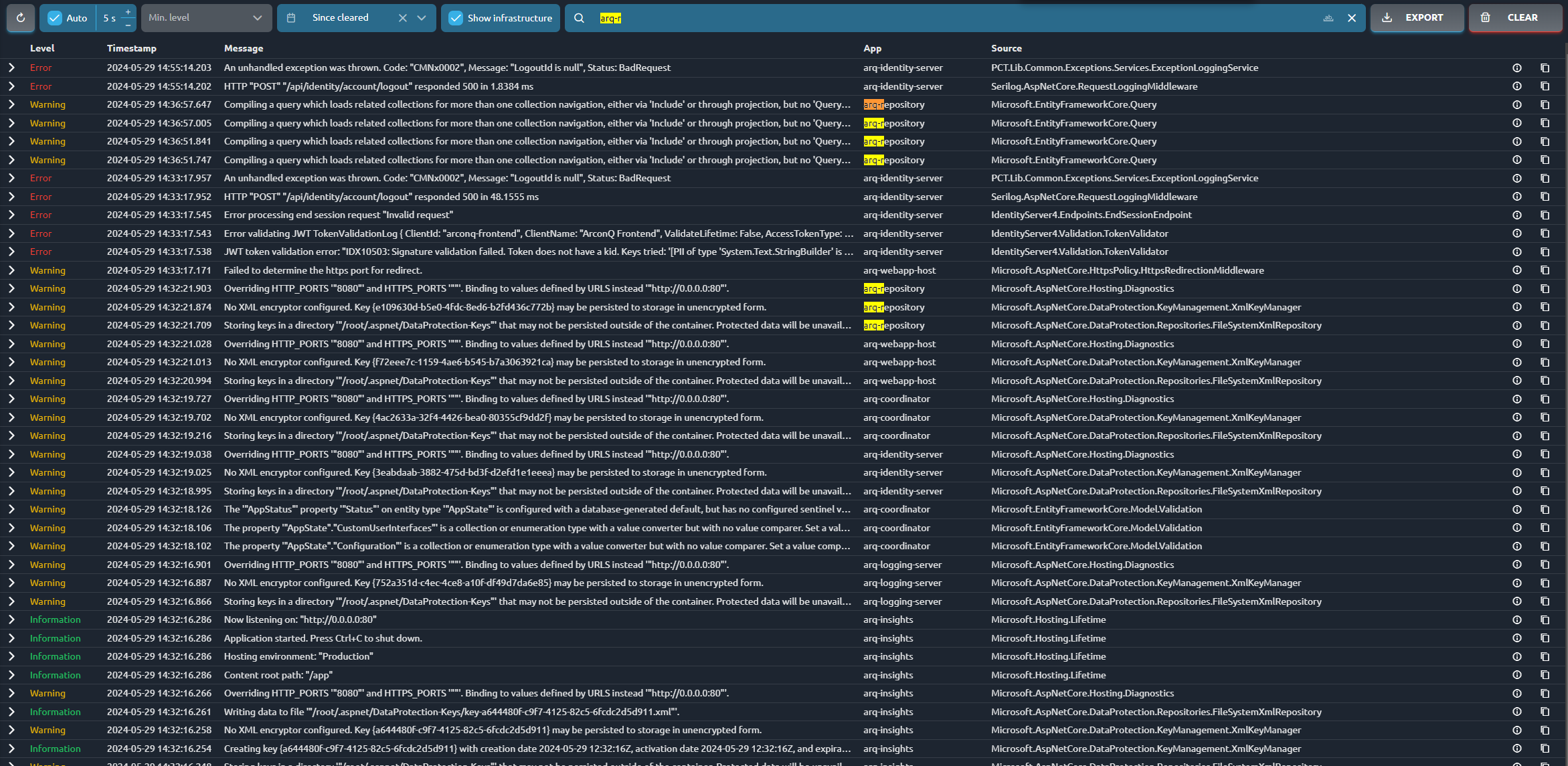
The logging system includes an "Exact Match" feature designed to improve the precision of search results. This functionality enables users to perform searches that strictly match the input query, offering greater control over the output. While the default search employs fuzzy matching to identify terms similar to the query, the "Exact Match" option is particularly useful when exact results are necessary.
How to use the Exact Match
Open the Logs tab
Enter your specific search term in the search bar.
Toggle the Exact Match:
- Enable Exact Match: Check the "Exact Match" checkbox to restrict the search results to only those that match the query string exactly.
- Disable Exact Match: Uncheck the "Exact Match" checkbox to allow the system to use fuzzy search, which includes entries that approximately match the search term.


Examples
Logs with Exact Match Disabled

Logs with Exact Match Enabled

Logs with Exact Match Disabled
Logs with Exact Match Enabled

Conclusion
The "Exact Match" function increases the precision of log searches, making it easier to find specific entries. Users can choose between strict accuracy and wider, more flexible search results depending on their needs.