How to use Grafana dashboards
Collected metrics are not very useful unless they are visualized. Therefore ArconQ Metrics comes with a number of useful Grafana dashboards that will provide you insights about your environment.
How to access ArconQ's Grafana dashboards
Go to Grafana Console. It can be directly accessed via the ArconQ URL with the
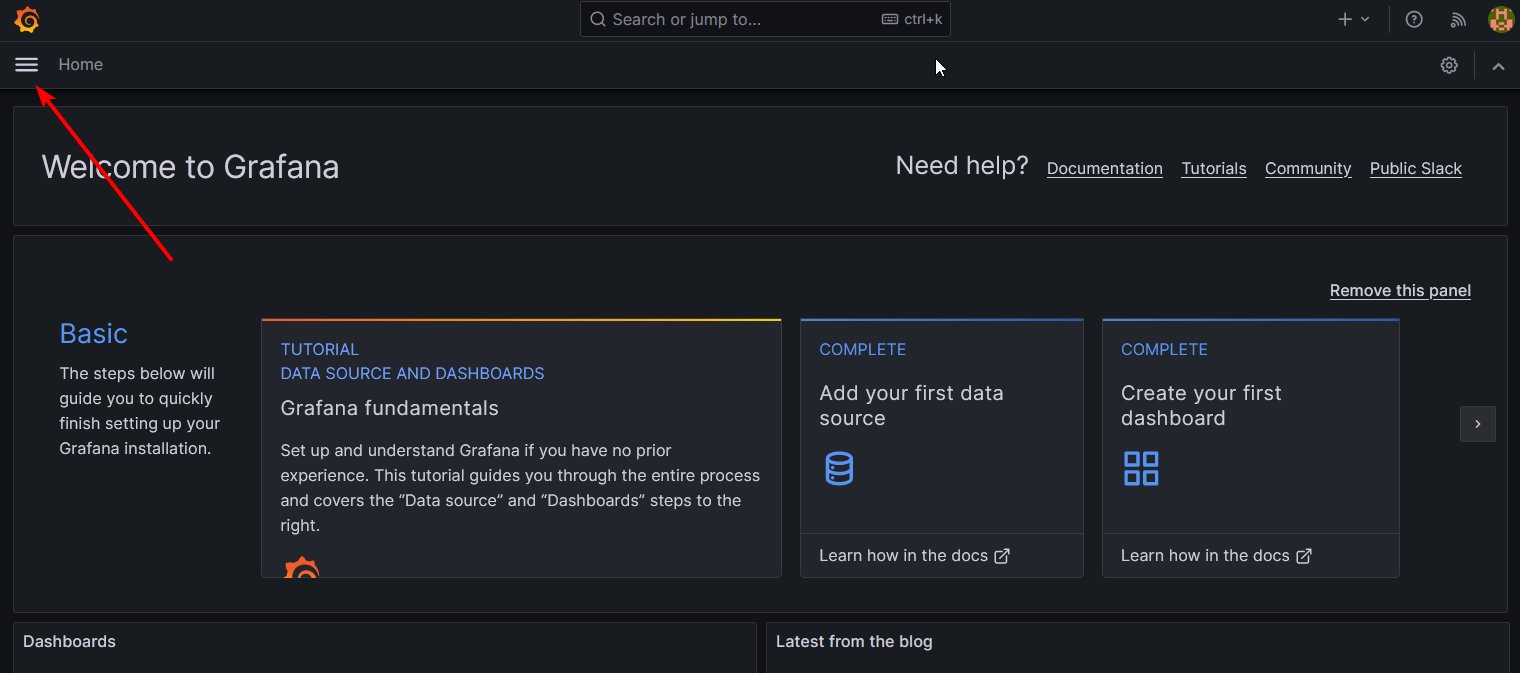
/grafanasuffix. For example, if ArconQ is hosted athttps://arconq.prod, Grafana can be reached athttps://arconq.prod/grafana.Open the menu
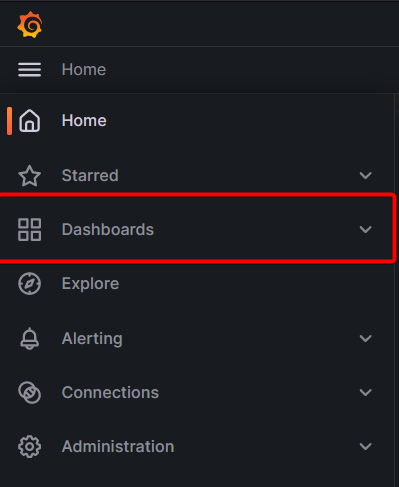
- Select "Dashboards" button
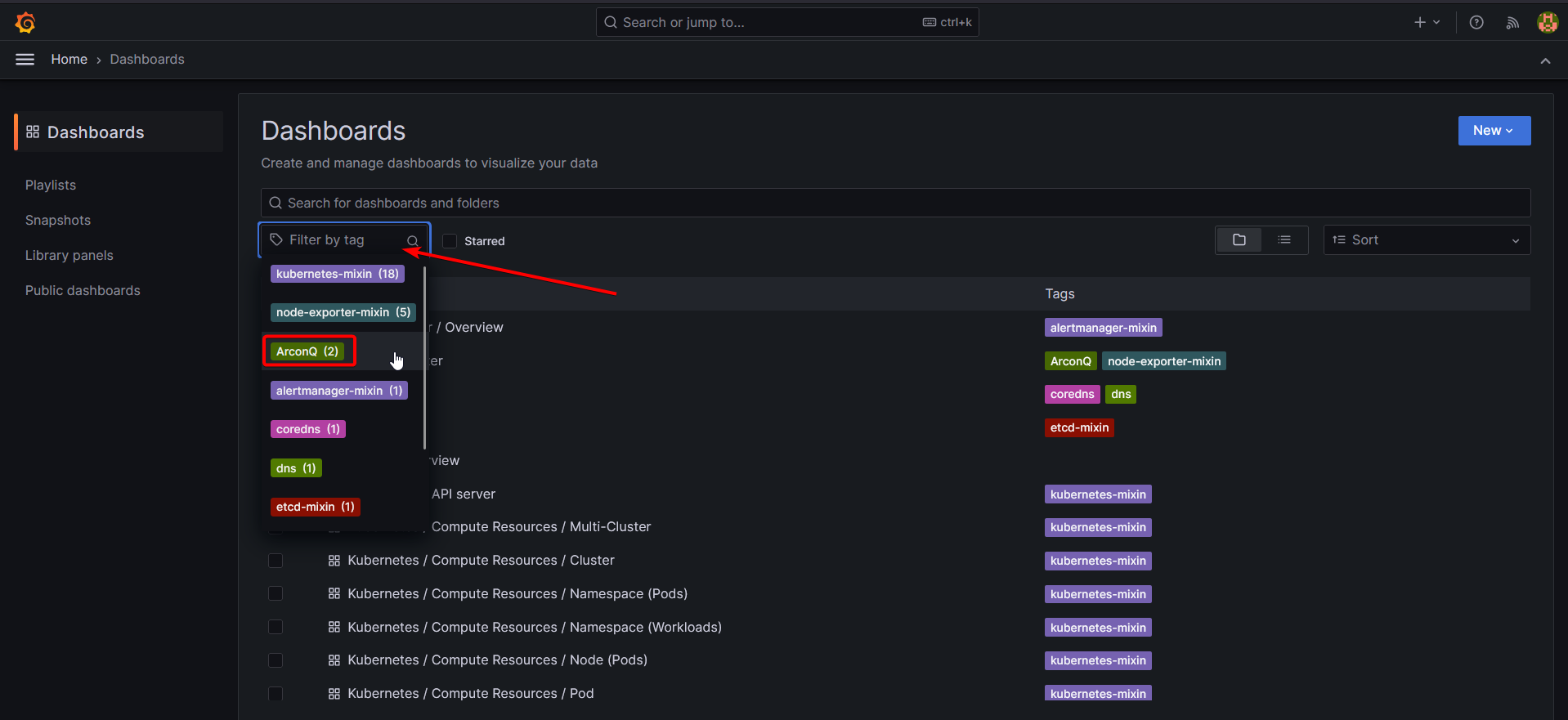
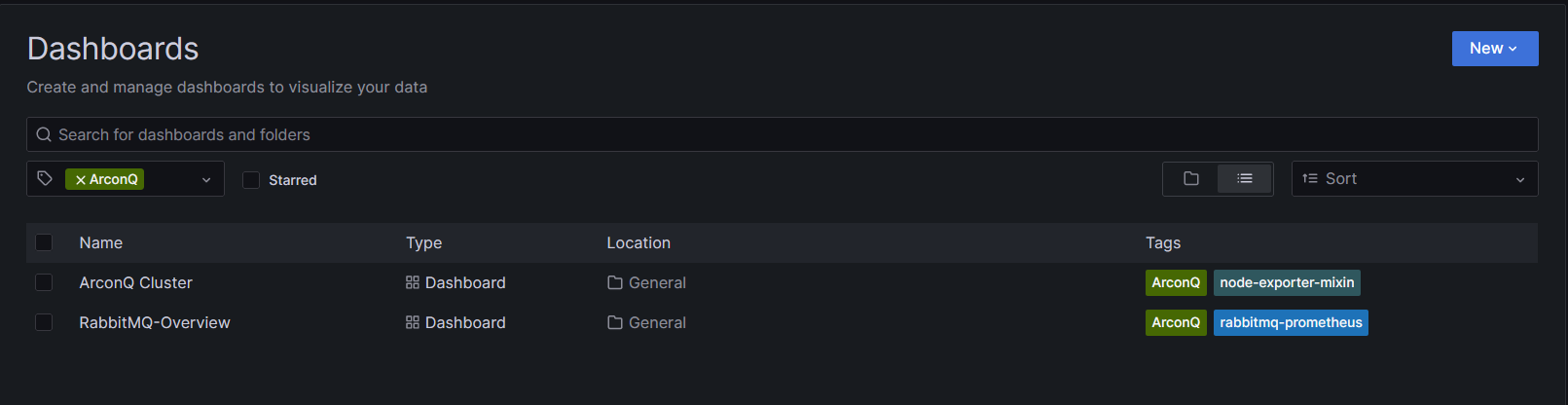
- Filter by tag
Following installation, access to a variety of dashboards becomes available:
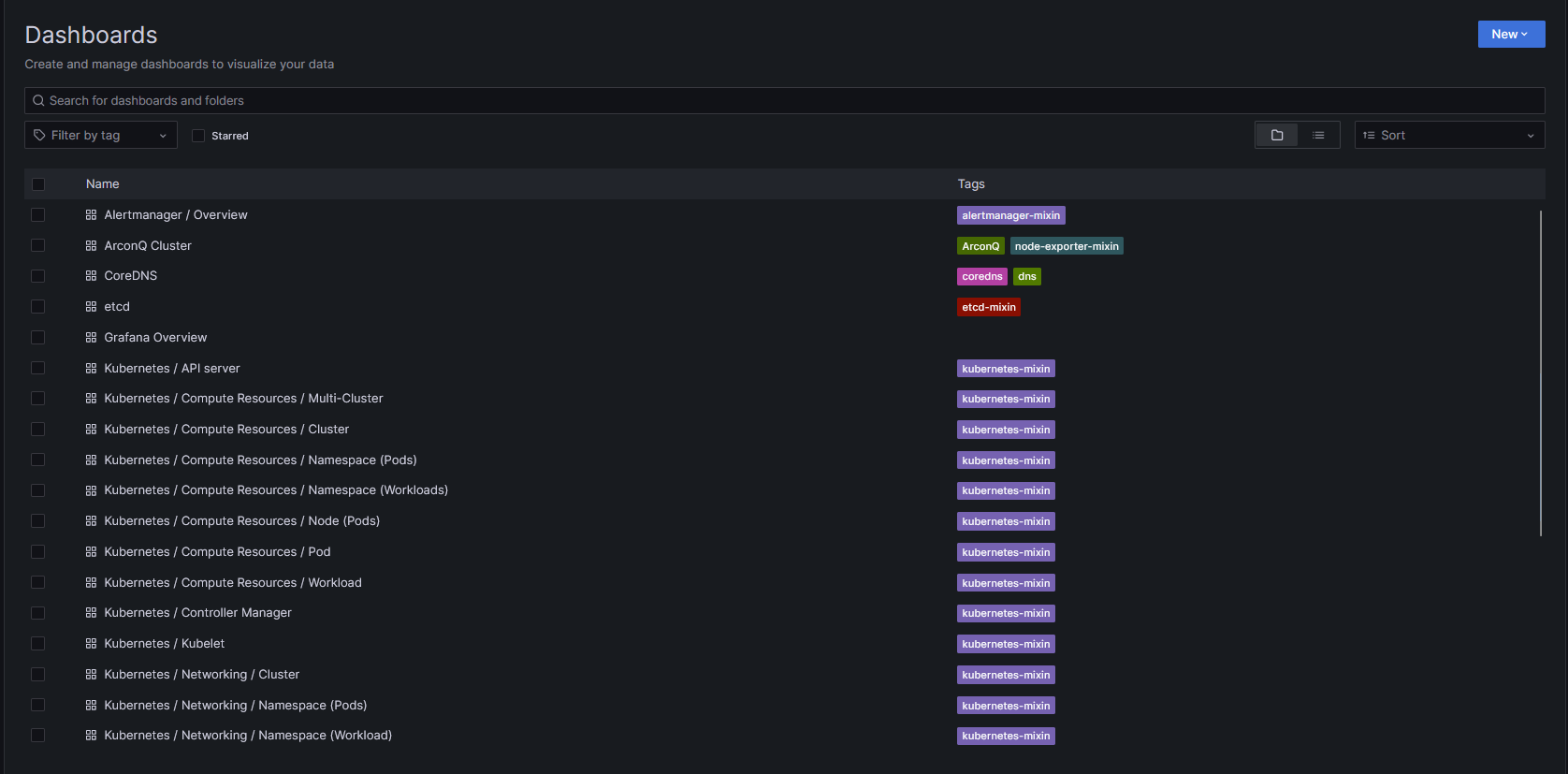
It's recommended to explore each one to understand their functionalities better, but for now, we will focus on two ArconQ-specific dashboards.
Dashboards can be categorized and filtered using tags. The dashboards detailed in this guide are specifically tagged with the "ArconQ" label.
Exploring dashboards in details
Refer to the next pages to read a detailed description of each of ArconQ's Grafana dashboards: