Message Broker management console
This guide outlines the steps to access the Message Broker within the ArconQ platform. Follow these instructions to configure and access the RabbitMQ Management Console for efficient message queue management and monitoring.
Navigate to the 'Integrations' page.
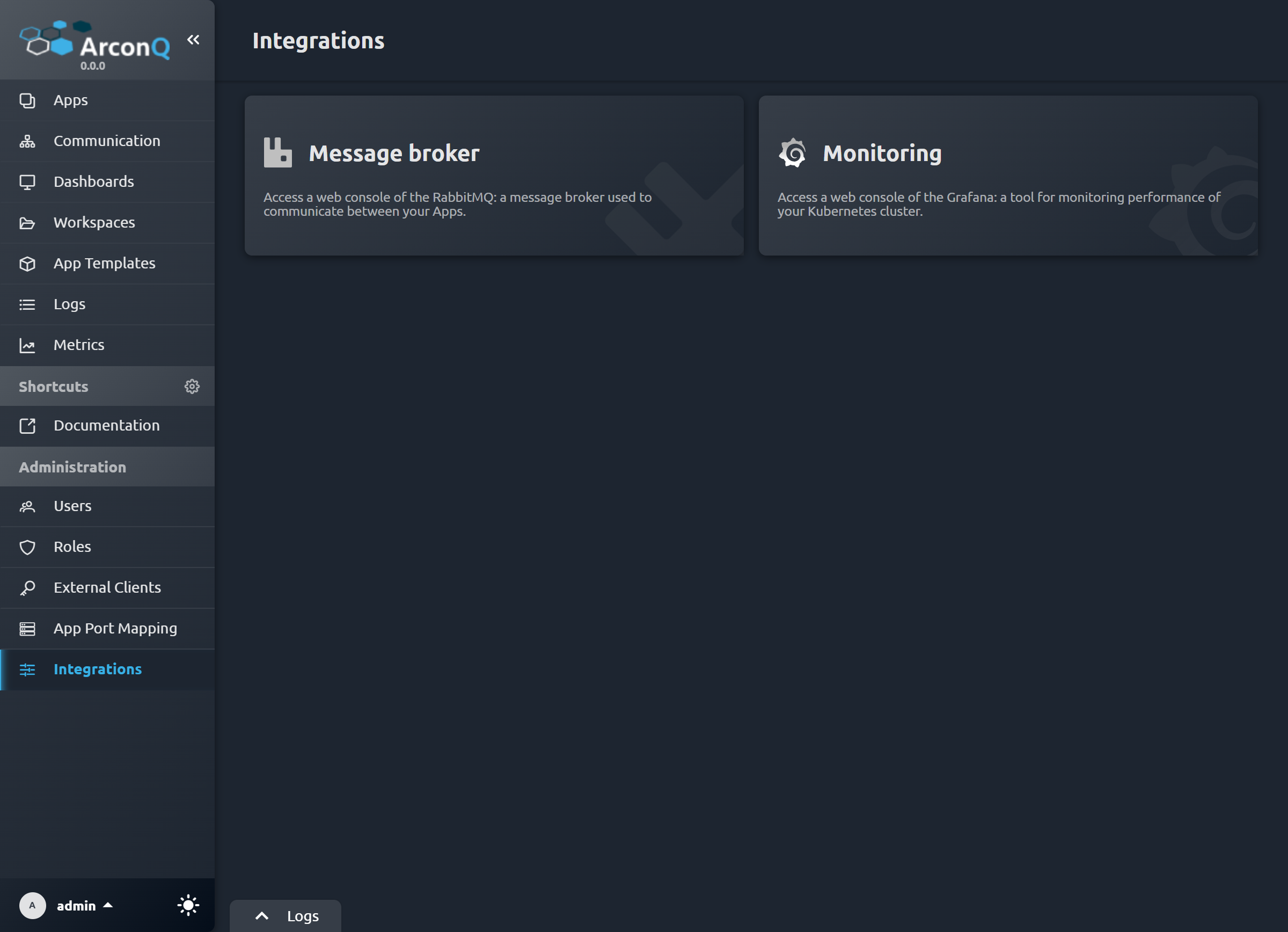
Locate and click on the 'Message Broker' tile to bring up the message broker configuration details.
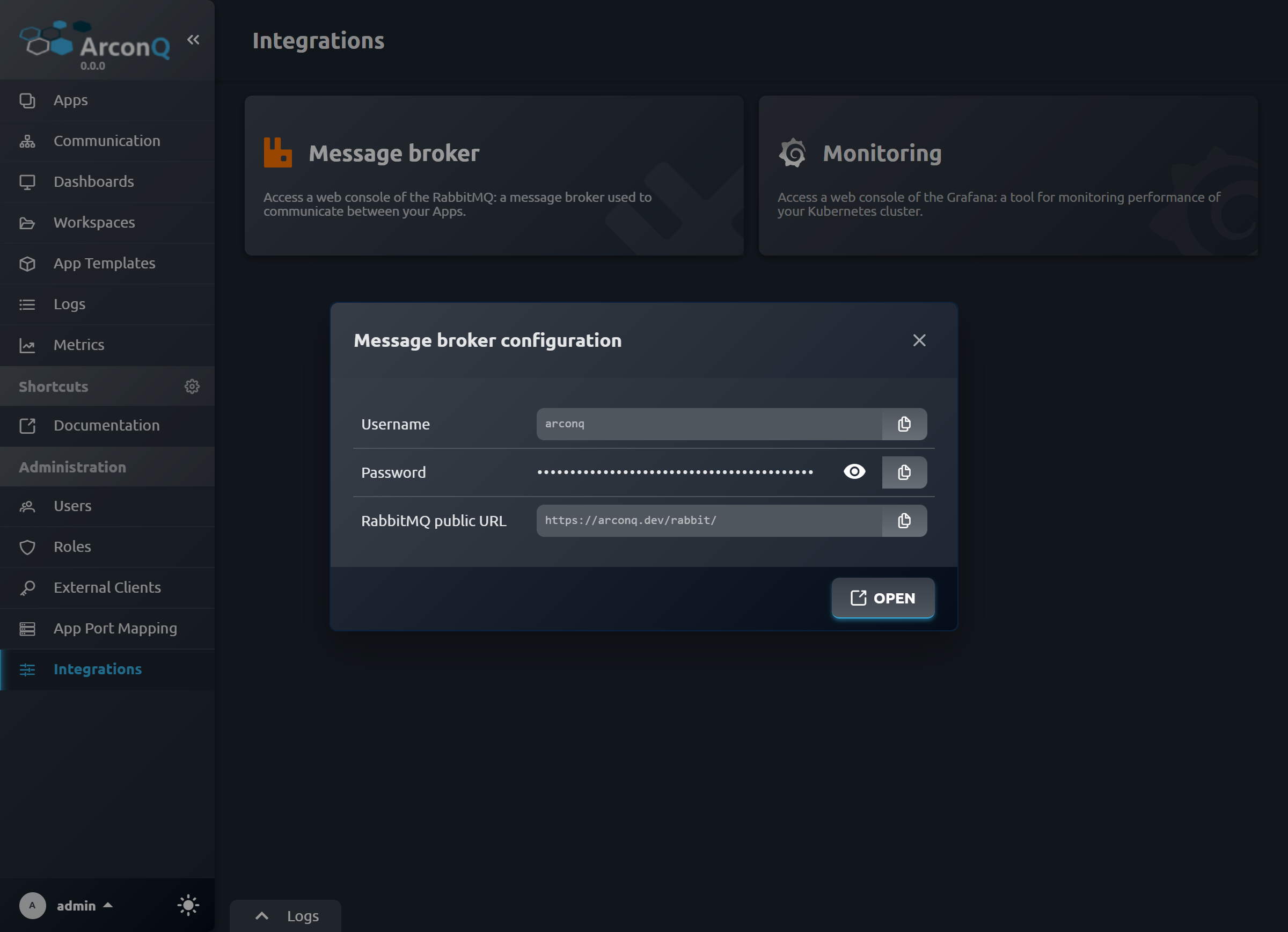
In the displayed configuration window, take note of the 'Username', 'Password', and 'RabbitMQ public URL'. These credentials will be required for RabbitMQ access.
Select the 'Open' button to launch the RabbitMQ Management Console in a new browser tab.
The 'Username' and 'Password' from the configuration window should be copied.
Paste the copied credentials into the respective fields on the RabbitMQ Management Console login page.
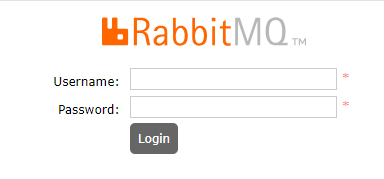
Complete the login process to access the RabbitMQ Management Console for message queue management and monitoring.